Appearance
上级
base
views:
  - type: table
    name: 关联文件表
    filters:
      and:
        - layer_id == this.parent_id
        - parent_id != null
        - layer_id != null
工作内容
base
views:
  - type: cards
    name: 视图
    cardSize: 200
    image: note.title
    filters:
      and:
        - parent_id == this.layer_id
        - parent_id != null
    order:
      - title
    sort:
      - property: priority
        direction: ASC
      - property: layer_id
        direction: ASC
辅助脚本(快速切换)
这个脚本建议只在单个项目中使用
保存以下脚本为 git-switch-account.sh:
#!/bin/bash
if [ "$1" = "work" ]; then
  git config user.name "felixwu"
  git config user.email "felixwu@sheinbpo.com"
  echo "Switched to WORK account"
else
  git config user.name "Lluo"
  git config user.email "lluo2020@163.com"
  echo "Switched to PERSONAL account"
fi
更新一下内容
#!/bin/bash
if [ "$1" = "work" ]; then
  git config user.name "felixwu"
  git config user.email "felixwu@sheinbpo.com"
  echo "Switched to WORK account"
elif [ "$1" = "gitee" ]; then
  git config user.name "Lluo"
  git config user.email "lluo2020@163.com"
  echo "Switched to GITEE account"
else
  git config user.name "Lluo"
  git config user.email "lluo2020@163.com"
  echo "Switched to PERSONAL account"
fi
使用方式
cd gitSwitch
# 切换到工作账号
./git-switch-account.sh work

# 切换到个人账号
./git-switch-account.sh
如果权限问题,加一下执行权限
chmod +x ./git-switch-account.sh查看用户名 :git config user.name
查看密码: git config user.password
查看邮箱:git config user.email
查看配置信息: $ git config --list基础内容回顾
其实你可以看到 git 的提交方式一般是有 HTTPS 和 SSH 方式,然后工作提交一般是使用 SSH + 蜜钥的方式,其中也要求账号是对应的
这里个人账号提交使用 HTTPS 的方式
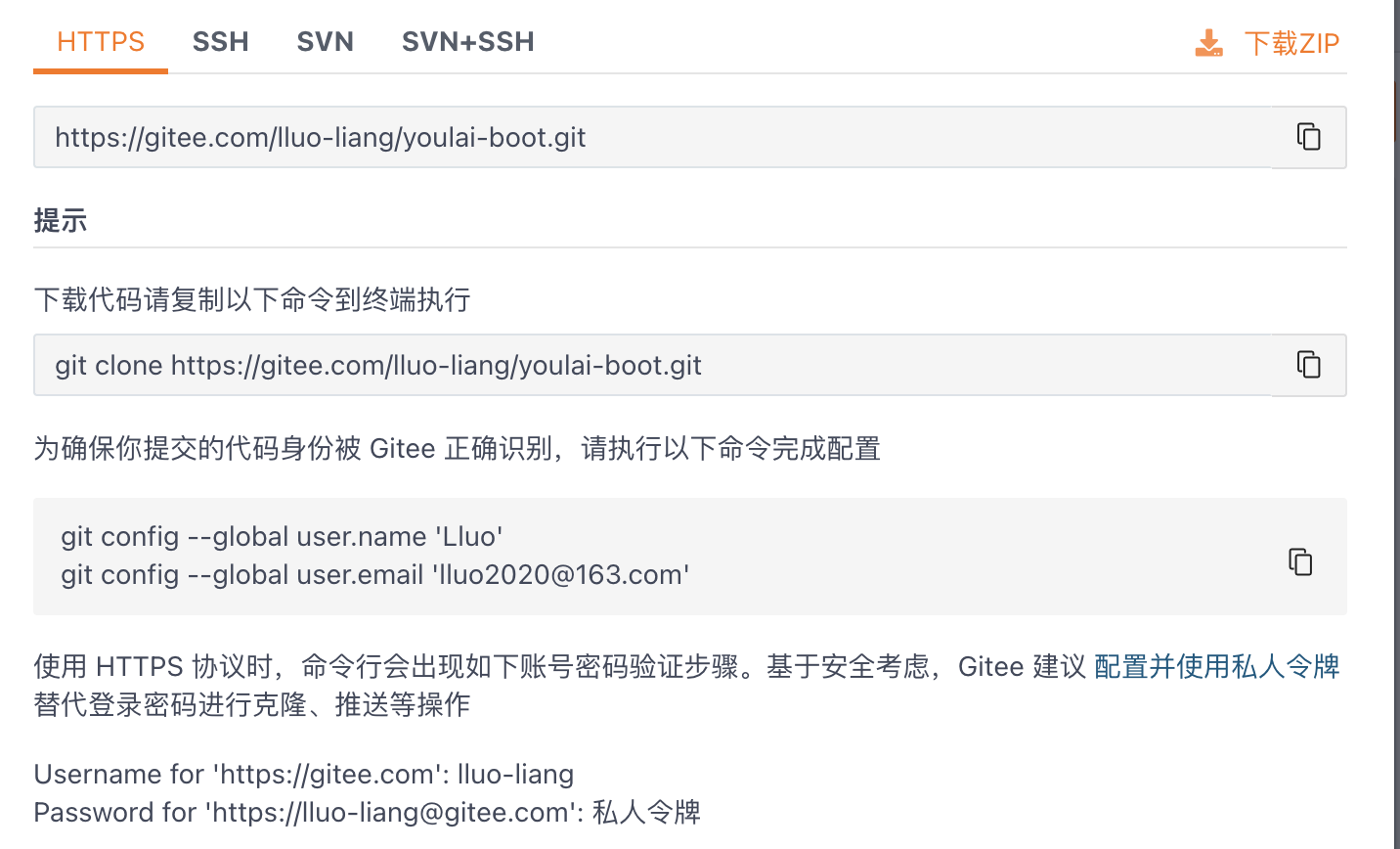
使用 HTTPS 后,IDEA第一次 PUSH 的时候需要进行输入账号和密码。
账号密码
账号:lluo2020@163.com

授权码:见密码管理器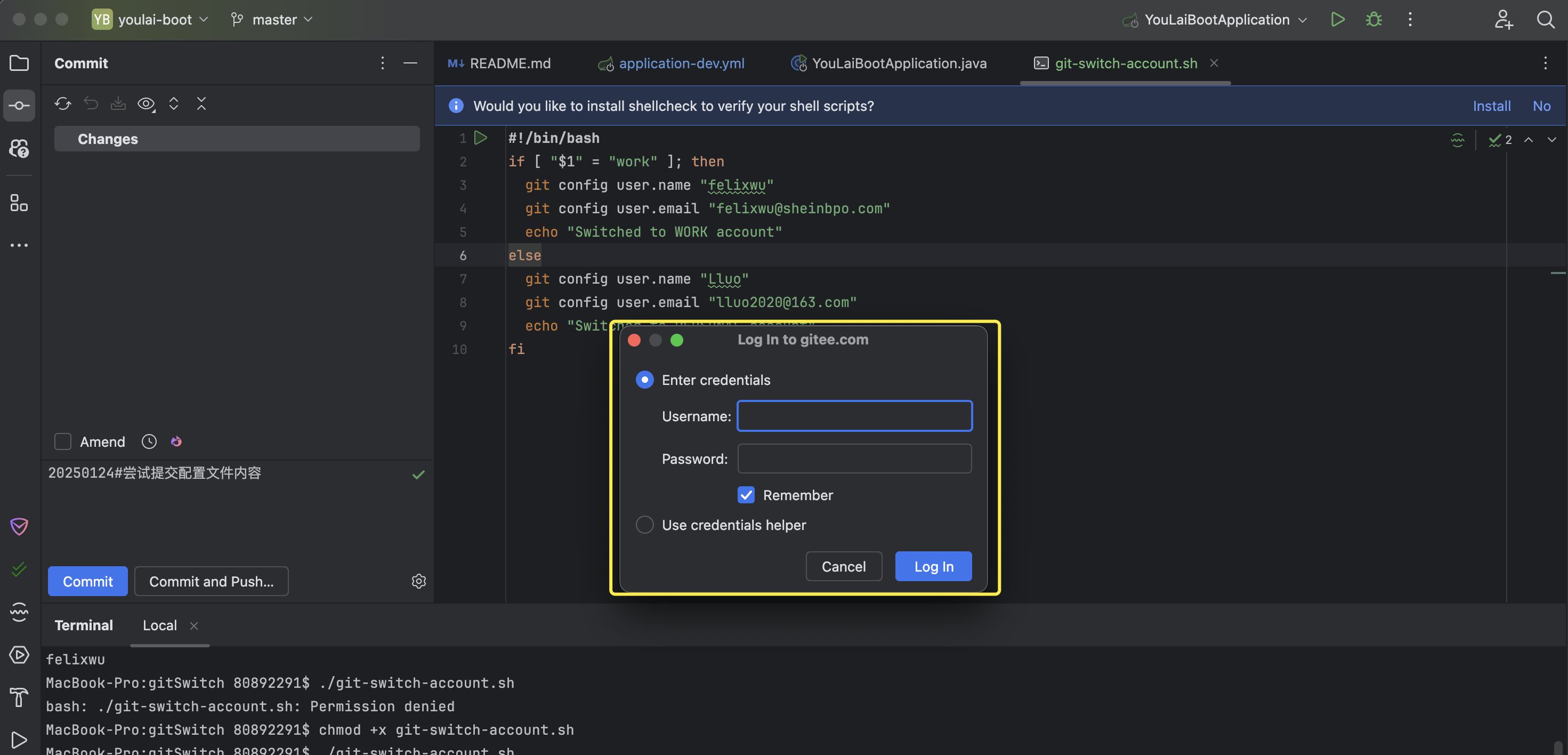
关于仓库的 git 管理
仓库级配置 (local) > 用户级配置 (global)
默认的单个仓库下修改,而不是全局
git config --global user.name
git config --local user.name